



Description
From the manufacturer

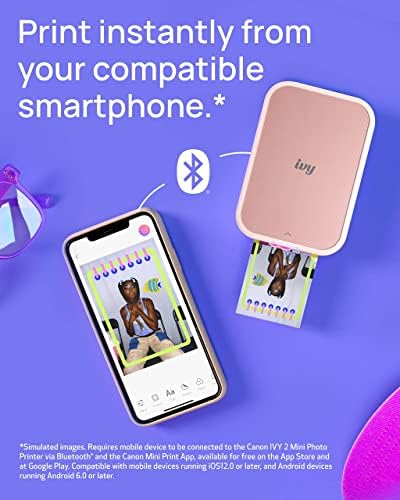
Print Directly from Your Compatible Smartphone*
- Better connectivity for mobile printing using compatible smartphone devices with Bluetooth 5.0.

- Charge Fast
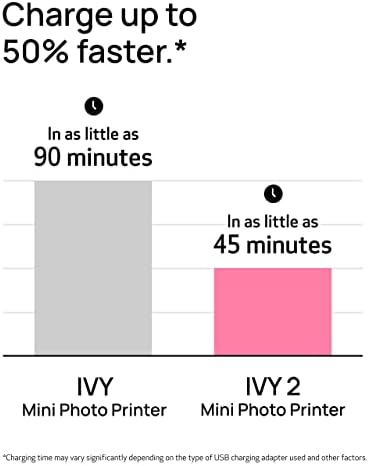
Fast Charging for Those Last-minute Keepsakes
- Full charge in as little as 45 minutes.*

- Sticky Back
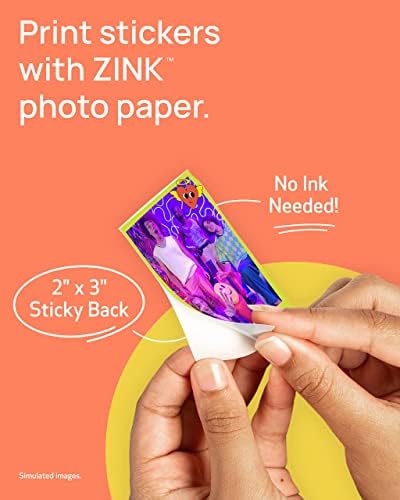
Peel-and-stick Anywhere
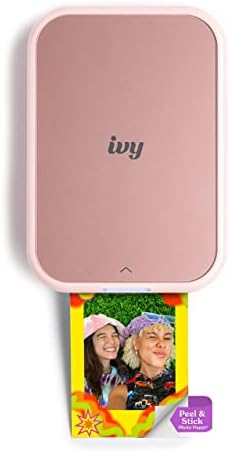
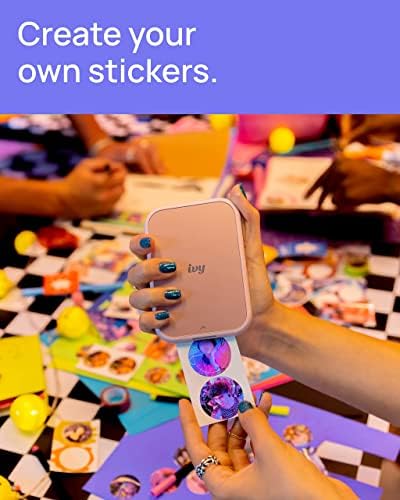
- Every print is a sticker. Each 2″ x 3″ photo has a peel-and-stick adhesive backing.

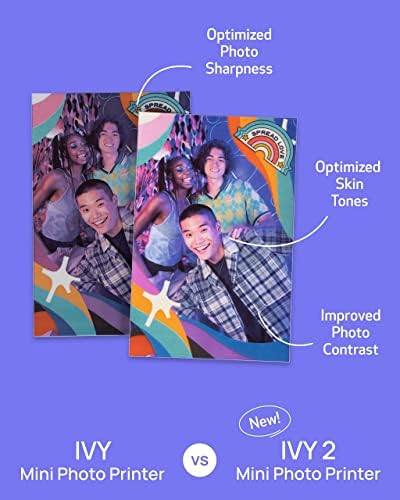
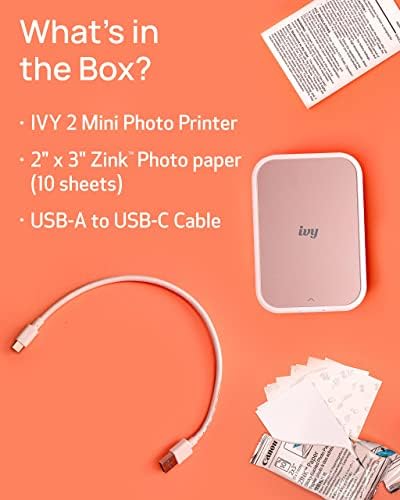
1 Photo Quality 2 Bluetooth 3 Charge Fast 4 Sticky Back 5 What’s in the box


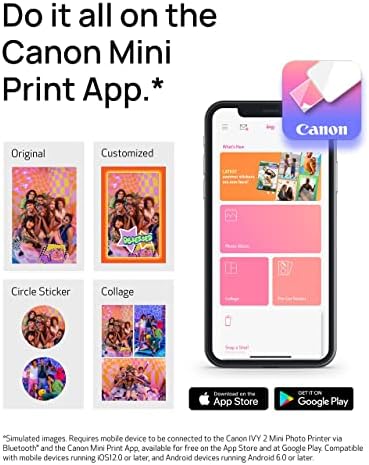
Canon Mini Print App*
- Enhance the look of your images with stickers, frames, text, emojis, and the drawing tool.

Frame & Sticker
- Canon Mini Print App lets you decorate with frames, stickers, text, emojis and more before printing!

Creative Filters
- Print your photos with a white border frame and/or choice of vivid or B&W filter!

Collage Prints
- Add fun stickers, effects, and create fun collages and print designs with Collage & Tile Print!
1 Customize Your Space 2 Canon Mini Print App 3 Frame & Sticker 4 Creative Filters 5 Collage Prints

Download
- Download the Canon Mini Print App* to print photos using the IVY 2 Mini Photo Printer!

Power Up
- Charge your printer with the USB-C cord and wait for the light to change from red to green.

Load Paper
- Open the back lid to place the blue SMART SHEET in first, followed by the Zink photo paper.

Connect
- Connect the printer to your smartphone via Bluetooth. Then open the app* and add the new printer.

Print. Peel. Stick.




Reviews
There are no reviews yet.